
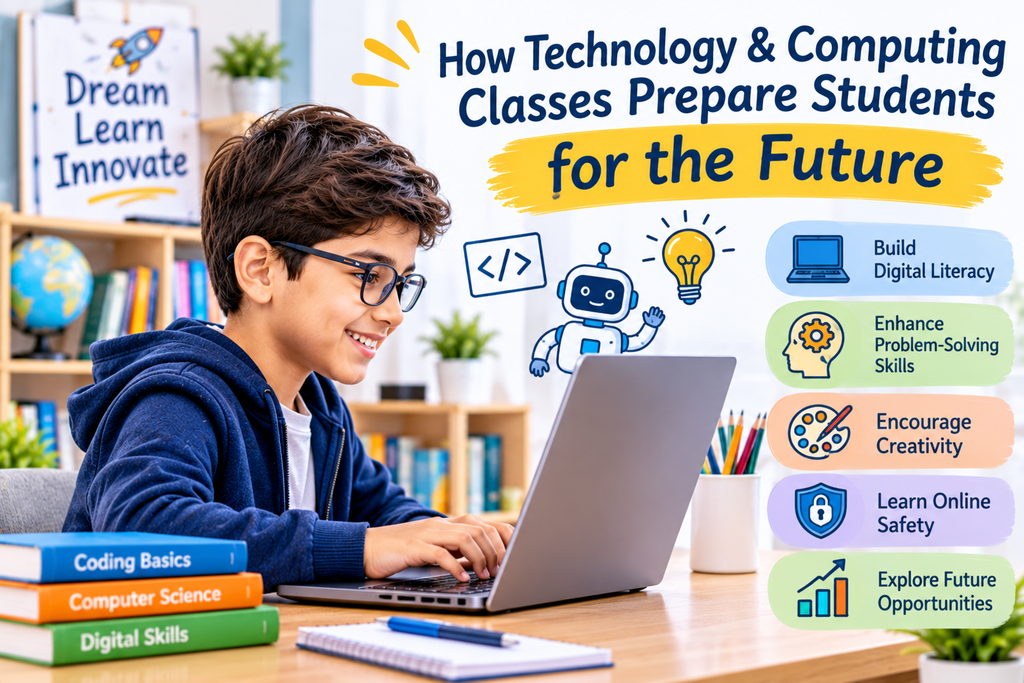
Technology is changing how people learn, communicate, work, and solve everyday problems. From digital classrooms and mobile applications to artificial intelligence and online platforms, technology has become an important part of modern life. Helping children understand these developments can prepare them for future academic and professional opportunities. Technology and computing classes introduce students to digital tools, programming concepts, and practical skills that can support their growth. Just as online art classes encourage children to explore creativity through visual activities, technology education gives them opportunities to turn ideas into useful digital projects.
Learning about technology is not simply about using computers or understanding software. It also involves developing logical thinking, creativity, communication, and problem-solving abilities. With suitable guidance and practical learning experiences, students can become more confident and responsible users of technology.
Quick Answer: How Do Technology and Computing Classes Prepare Students for the Future?
Technology and computing classes help students prepare for the future by teaching them to:
- Understand digital tools and computer systems.
- Develop basic programming and computational thinking skills.
- Solve problems using logical approaches.
- Explore creativity through digital projects.
- Understand online safety and responsible technology use.
- Work collaboratively using digital platforms.
- Become familiar with emerging technologies.
These skills can support students in their education and help them adapt to an increasingly digital world.
Key Takeaways
- Digital literacy is an important skill for modern students.
- Computing introduces children to logical and structured thinking.
- Programming activities encourage creativity and problem-solving.
- Technology education supports independent learning.
- Understanding online safety helps students use digital platforms responsibly.
- Early exposure to technology can help children explore future interests.
1. Developing Strong Digital Literacy Skills
Digital literacy means understanding how to use digital devices, applications, and online resources effectively and responsibly.
Students regularly use computers, tablets, educational websites, and digital learning platforms. However, knowing how to operate these tools is only one part of digital literacy.
Children should also learn how to find reliable information, communicate appropriately online, organise digital files, and understand basic privacy practices.
Technology and computing classes can introduce these concepts through practical activities. Students gradually become more confident when working with digital tools and learn how technology can support their education.
2. Building Logical Thinking and Problem-Solving Abilities
Computing encourages students to approach challenges in a structured way.
For example, when creating a simple computer program, students need to understand the task, divide it into smaller steps, and arrange instructions in the correct order.
If something does not work, they must identify the problem and try different solutions.
This process helps develop logical reasoning and problem-solving skills. It also teaches children to approach unfamiliar challenges patiently rather than giving up immediately.
These abilities can be useful in Mathematics, Science, and many everyday situations.
3. Encouraging Creativity Through Digital Projects
Technology is not only about technical knowledge. It can also become a powerful tool for creative expression.
Students can use digital platforms to create presentations, animations, illustrations, simple games, videos, and websites. These activities encourage them to experiment with ideas and develop original projects.
Creative learning can also connect different subjects. For example, online art classes help children explore colours, shapes, and visual design, while digital projects allow them to apply creative ideas using technology.
When students combine imagination with technical tools, they can discover new ways to communicate and present their ideas.
4. Introducing Students to Coding and Programming
Coding is an important part of computing education because it helps students understand how digital applications and systems work.
Beginners can start with simple programming concepts, such as sequences, patterns, instructions, and basic commands.
As they gain experience, they may explore projects such as:
- Creating simple animations.
- Designing beginner-level games.
- Building interactive stories.
- Developing basic websites.
- Understanding how computer programs follow instructions.
These activities make technical learning more practical and help students understand how ideas can become working digital projects.
5. Understanding Emerging Technologies
New technologies continue to influence different areas of life. Students who become familiar with basic technological concepts may find it easier to understand future developments.
Some important areas include:
Artificial Intelligence: Students can learn how AI tools support tasks such as information processing, recommendations, and digital assistance.
Robotics: Basic robotics activities introduce the relationship between hardware, software, and instructions.
Cloud Computing: Understanding cloud-based platforms helps students learn how information and digital services can be accessed online.
Data and Digital Systems: Students can explore how information is collected, organised, and used to support decisions.
Introducing these topics at an age-appropriate level can encourage curiosity and help children become more aware of the digital world.
6. Improving Communication and Teamwork
Technology projects often involve collaboration. Students may work together to create presentations, design digital projects, or solve programming challenges.
During these activities, they learn to share ideas, explain their decisions, divide responsibilities, and listen to different viewpoints.
These experiences can improve communication and teamwork skills.
Group-based digital activities also help children understand that successful projects often require cooperation and contributions from different people.
7. Teaching Responsible and Safe Technology Use
As children spend more time using digital devices, understanding online safety becomes increasingly important.
Technology education should introduce students to responsible digital behaviour.
Important topics include:
- Protecting personal information.
- Creating strong passwords.
- Recognising suspicious links and messages.
- Understanding respectful online communication.
- Checking whether online information is reliable.
- Maintaining a healthy balance between screen time and other activities.
These lessons help children become more thoughtful digital users and understand the importance of protecting themselves online.
8. Preparing Students for Future Academic and Career Opportunities
Technology skills are relevant across many fields, including education, healthcare, engineering, business, design, communication, and entertainment.
Students who explore computing may discover interests in areas such as software development, cybersecurity, robotics, digital design, data analysis, and artificial intelligence.
Not every child needs to become a programmer or technology professional. However, understanding digital tools and developing problem-solving abilities can be useful in many future academic and professional paths.
Combining technical subjects with creative activities, including online art classes, can also help students explore a wider range of interests and abilities.
9. How Can Parents Support Technology Learning at Home?
Parents can help children develop technology skills by making learning practical, balanced, and enjoyable.
Here are some useful suggestions:
- Encourage children to explore age-appropriate educational applications.
- Introduce simple coding and computer activities.
- Support creative digital projects.
- Discuss online safety and responsible internet use.
- Encourage curiosity about how everyday technology works.
- Set healthy boundaries for recreational screen time.
- Appreciate effort and progress instead of expecting immediate results.
Parents can also provide opportunities for children to explore different subjects. Activities such as online art classes can complement technical learning by encouraging imagination and visual creativity.
10. Choosing the Right Technology and Computing Learning Programme
A suitable learning programme should match a child’s age, interests, current knowledge, and learning goals.
Before choosing a class, parents can consider the following factors:
- Age-appropriate lessons: Topics should match the student’s learning level.
- Practical activities: Students should have opportunities to apply what they learn.
- Clear explanations: Complex concepts should be introduced gradually.
- Qualified guidance: Educators should be able to explain technical topics clearly.
- Constructive feedback: Students should receive guidance to improve their work.
- Balanced learning: Classes should encourage understanding rather than simply memorising instructions.
GenieClasses offers Technology & Computing among its subject areas, along with other educational learning options. Parents can explore the platform to understand its teaching approach and available subjects.
Visit the GenieClasses homepage to explore learning options. You can also learn about the platform through the About Us page or connect with the team through the Contact Us page.
Frequently Asked Questions (FAQs)
1. Why are technology and computing classes important for students?
They help students develop digital literacy, logical thinking, problem-solving abilities, and an understanding of how technology works. These skills can support academic learning and future opportunities.
2. At what age should children start learning computing?
Children can begin exploring basic computer concepts at an early age through age-appropriate activities. The learning approach should match their interests, attention span, and developmental level.
3. What skills can students learn in technology classes?
Students may develop computer literacy, basic programming, computational thinking, digital communication, problem-solving, and online safety awareness.
4. Does learning coding help students in school?
Coding can support logical reasoning, sequencing, pattern recognition, and problem-solving. These abilities can complement learning in Mathematics, Science, and other subjects.
5. How does technology encourage creativity?
Digital tools allow students to create presentations, animations, illustrations, websites, and interactive projects. These activities encourage experimentation and original thinking.
6. What future opportunities can computing education introduce?
Computing education can introduce students to fields such as software development, robotics, cybersecurity, artificial intelligence, digital design, and data analysis.
7. How can parents encourage responsible technology use?
Parents can discuss online privacy, safe browsing, respectful communication, reliable information sources, and healthy screen-time habits.
8. Can technology and creative subjects be learned together?
Yes. Technology and creative subjects can complement one another. Students can combine digital tools with drawing, design, storytelling, and other creative activities to develop original projects.
Conclusion
Technology and computing classes can help students develop the knowledge and abilities needed to participate confidently in a digital world. From digital literacy and coding to problem-solving, creativity, and online safety, these subjects introduce children to skills that can support their academic and personal development.
Parents can make a meaningful difference by encouraging curiosity, providing suitable learning opportunities, and helping children use technology responsibly. Combining technical education with creative activities can also give students a more balanced learning experience.
The goal is not simply to teach children how to use computers. It is to help them become confident, responsible, and adaptable learners who can understand technology and use it thoughtfully.
Support your child’s learning journey and encourage future-ready skills with GenieClasses. Visit GenieClasses or Contact Us to explore available learning options.