
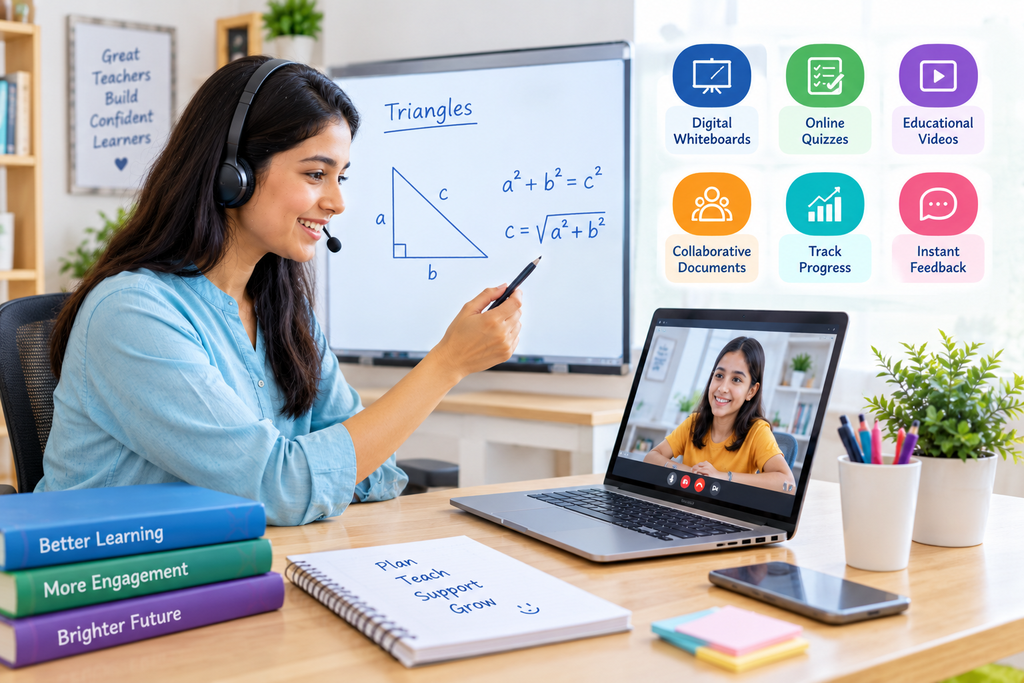
Technology has become an important part of modern education. Digital tools allow teachers to explain complex concepts, create interactive activities, share learning resources, and monitor student progress more efficiently. However, simply using technology does not automatically make a lesson more effective. Teachers need to understand which tools are useful and how to integrate them into everyday teaching.
An effective online tutor uses technology to make lessons more engaging, encourage student participation, and provide support according to individual learning needs. From digital whiteboards and online quizzes to educational videos and collaborative documents, the right tools can create more flexible and meaningful learning experiences.
In this guide, we explore how teachers can use digital tools more effectively and help students get greater value from technology-supported education.
Quick Answer: How Can Teachers Use Digital Tools More Effectively?
Teachers can use digital tools effectively by selecting resources that match their lesson objectives, encouraging active participation, providing immediate feedback, and tracking student progress. They should combine technology with clear explanations, meaningful activities, and personal interaction instead of relying entirely on digital presentations.
Key Takeaways
- Choose digital tools according to specific learning objectives.
- Use interactive quizzes and polls to check student understanding.
- Make difficult concepts easier with videos, diagrams, and presentations.
- Encourage collaboration through shared documents and group activities.
- Use digital whiteboards for explanations and problem-solving.
- Provide regular feedback through online assignments and assessments.
- Monitor student progress and identify learning gaps.
- Protect student privacy and maintain responsible technology use.
1. Choose Digital Tools That Match Learning Objectives
One of the most important steps is selecting tools based on what students need to learn. Teachers should avoid using technology simply because a new application or platform is available.
For example, a digital whiteboard may be useful for explaining mathematical equations, while an interactive quiz can help students revise important facts. Educational videos may support Science lessons by showing processes that are difficult to demonstrate in a regular classroom.
Before selecting a tool, teachers should consider:
- What is the main objective of the lesson?
- Will the tool make the concept easier to understand?
- Can students actively participate?
- Is the tool suitable for their age and learning level?
- Is it easy to access and use?
Choosing the right resource helps teachers save time and keep lessons focused on learning outcomes.
2. Make Lessons Interactive With Digital Quizzes and Polls
Interactive quizzes and polls can help teachers understand whether students are following a lesson. Instead of waiting until the end of a chapter or examination, teachers can check understanding during the session.
For example, after explaining a Mathematics concept, a teacher can share a short quiz with multiple-choice questions. Students can submit their answers, and the teacher can discuss common mistakes immediately.
Digital quizzes can help teachers:
- Review previously taught concepts.
- Identify areas where students need more explanation.
- Encourage participation from quieter students.
- Make revision activities more engaging.
- Provide quick feedback.
Short quizzes and classroom polls are useful when they support a clear learning purpose rather than becoming distractions.
3. Use Digital Whiteboards for Clear Explanations
Digital whiteboards allow teachers to write, draw, highlight, and explain concepts during live lessons. They are particularly useful for subjects that require step-by-step demonstrations.
For example, Mathematics teachers can solve equations while explaining each step. Science teachers can draw diagrams, label different parts, and explain processes visually.
Teachers can also invite students to solve problems directly on the shared whiteboard. This makes lessons more interactive and gives teachers an opportunity to understand how students approach different questions.
An online tutor can use digital whiteboards to provide clearer explanations, correct mistakes, and encourage students to participate in problem-solving activities.
4. Include Educational Videos and Visual Learning Resources
Some concepts are easier to understand when students can see how they work. Educational videos, animations, diagrams, and presentations can make abstract topics more accessible.
For example:
- Science videos can demonstrate natural processes and experiments.
- Geography animations can explain weather patterns and geographical changes.
- History documentaries can provide visual context for important events.
- Language videos can support pronunciation and listening skills.
Teachers should select age-appropriate and reliable resources that directly support the lesson.
It is also helpful to pause videos at important points, ask questions, and encourage students to explain what they have understood. This prevents students from becoming passive viewers.
5. Encourage Collaboration Through Shared Digital Documents
Digital collaboration tools allow students to work together even when they are not in the same physical classroom. Shared documents, presentations, and online discussion spaces can support teamwork and communication.
For example, a teacher can divide students into small groups and ask each group to prepare a presentation about a particular topic. Students can contribute ideas, organize information, and review one another’s work.
Collaborative digital activities can help students:
- Exchange ideas and perspectives.
- Develop communication skills.
- Practise teamwork.
- Learn from classmates.
- Take responsibility for shared tasks.
Clear instructions and defined roles are important to ensure that every student participates meaningfully. Cornell University’s guidance on active online learning also highlights peer discussions, collaborative documents, and structured group activities as useful approaches. <Cite refs={[“turn315303search1”]}/>
6. Personalize Learning With Digital Resources
Students have different strengths, learning speeds, and academic requirements. Digital resources can help teachers provide activities that match these individual differences.
For example, students who understand a topic quickly can attempt advanced questions, while students who need additional support can review simpler explanations and complete more practice exercises.
Teachers can use:
- Digital worksheets.
- Recorded explanations.
- Online practice exercises.
- Subject-based learning resources.
- Different levels of quizzes.
- Personalized revision materials.
A good online tutor can use these resources to adjust lesson difficulty and provide additional support where students need it.
Personalized digital learning should not mean giving students more screen time without purpose. The aim is to provide suitable resources that help each learner understand concepts and improve gradually.
7. Use Digital Tools to Track Student Progress
Technology can help teachers organize assessment results, review assignments, and monitor learning progress. This information can show which concepts students understand and which areas need more attention.
Teachers can track progress through:
- Online quizzes and tests.
- Digital assignment submissions.
- Practice exercise results.
- Student participation.
- Completed learning activities.
- Regular assessments.
For example, if several students repeatedly make mistakes in the same topic, the teacher can revisit that concept before moving to the next lesson.
Progress tracking is most useful when teachers combine assessment results with classroom observations and individual discussions. This helps them understand not just what students answered incorrectly, but why they may be struggling.
8. Provide Regular Feedback Through Digital Platforms
Feedback helps students recognize their strengths, understand mistakes, and identify practical ways to improve. Digital platforms can make it easier for teachers to share comments, corrections, and additional practice resources.
For example, teachers can review an assignment online, highlight areas that need improvement, and share suggestions directly with students.
Effective digital feedback should be:
- Clear and specific.
- Related to the learning objective.
- Shared at an appropriate time.
- Supportive and constructive.
- Focused on practical improvement.
Teachers should also give students opportunities to ask questions about the feedback and submit corrected work.
Regular interaction and feedback can help students become more confident and responsible learners.
9. Maintain Digital Safety and Responsible Technology Use
Using digital tools effectively also means ensuring that students use technology safely and responsibly.
Teachers should select trusted platforms, avoid sharing unnecessary personal information, and explain appropriate online behaviour. They should also consider screen time, accessibility, and whether students have suitable devices and internet connections.
Important practices include:
- Use reliable educational platforms.
- Follow school and platform privacy guidelines.
- Avoid sharing students’ personal information publicly.
- Provide clear instructions for online activities.
- Offer alternatives when students face technical difficulties.
- Encourage regular breaks during extended screen-based lessons.
Technology should support education without creating unnecessary pressure or distractions.
10. Combine Technology With Human Interaction
Digital tools are valuable, but they cannot replace the importance of meaningful communication between teachers and students.
Students still need explanations, encouragement, discussions, and opportunities to ask questions. Technology should make these interactions more effective rather than reduce them.
For example, teachers can use a video to introduce a concept, a digital whiteboard to explain it, and a short quiz to check understanding. They can then discuss the results and provide individual guidance.
A skilled online tutor combines digital resources with subject knowledge, patience, and personal attention to create a balanced learning experience.
The most effective lessons use technology with a clear purpose while keeping students actively involved.
How GenieClasses Supports Technology-Based Learning
GenieClasses focuses on providing personalized online learning opportunities supported by digital resources and interactive teaching methods.
The platform offers learning options such as one-on-one live sessions, group classes, customized worksheets, guided corrections, class recordings, and AI-powered learning insights. These features can help students practise concepts, revisit lessons, and review their learning progress.
Parents can explore GenieClasses to understand the available learning options.
To learn more about the platform, visit the About Us page or contact the team through the Contact Us page.
You can also read What Parents Should Expect From a One-on-One Online Class to understand how individual attention and digital learning resources can support students.
Conclusion
Digital tools can make teaching more interactive, organized, and responsive to student needs. From quizzes and digital whiteboards to collaborative documents and progress-tracking resources, the right technology can support better classroom participation and understanding.
However, successful digital teaching depends on choosing appropriate tools, setting clear objectives, providing regular feedback, and maintaining meaningful teacher-student interaction.
Teachers should focus on using technology to solve learning challenges rather than introducing tools without a clear purpose. When digital resources are combined with effective teaching methods, students can enjoy a more engaging and supportive educational experience.
Frequently Asked Questions (FAQs)
1. How can teachers use digital tools effectively?
Teachers can use digital tools effectively by selecting resources that match lesson objectives, encouraging student participation, providing feedback, and monitoring learning progress.
2. What are the most useful digital tools for teachers?
Useful categories include digital whiteboards, online quizzes, educational videos, presentation software, shared documents, digital worksheets, and learning management platforms.
3. How do digital tools improve student engagement?
Digital tools can make lessons more interactive through quizzes, polls, videos, discussions, and collaborative activities. These features encourage students to participate rather than simply listen.
4. Can digital tools support personalized learning?
Yes. Teachers can provide different learning resources, practice activities, and assessment levels according to students’ abilities, progress, and individual learning needs.
5. How can teachers track student progress using technology?
Teachers can review online quiz results, digital assignments, practice activities, and participation records. This information can help identify learning gaps and plan additional support.
6. Why are digital whiteboards useful in online teaching?
Digital whiteboards allow teachers to write, draw, highlight, and demonstrate concepts in real time. They are particularly useful for Mathematics, Science, diagrams, and step-by-step explanations.
7. Can technology replace traditional teaching methods?
Technology can support and improve teaching, but it should not replace meaningful interaction, guidance, discussion, and personal attention. A balanced approach is generally more useful.
8. How can teachers ensure students use digital tools safely?
Teachers should select trusted platforms, follow privacy guidelines, avoid sharing unnecessary personal information, explain responsible online behaviour, and provide appropriate screen-time breaks.